

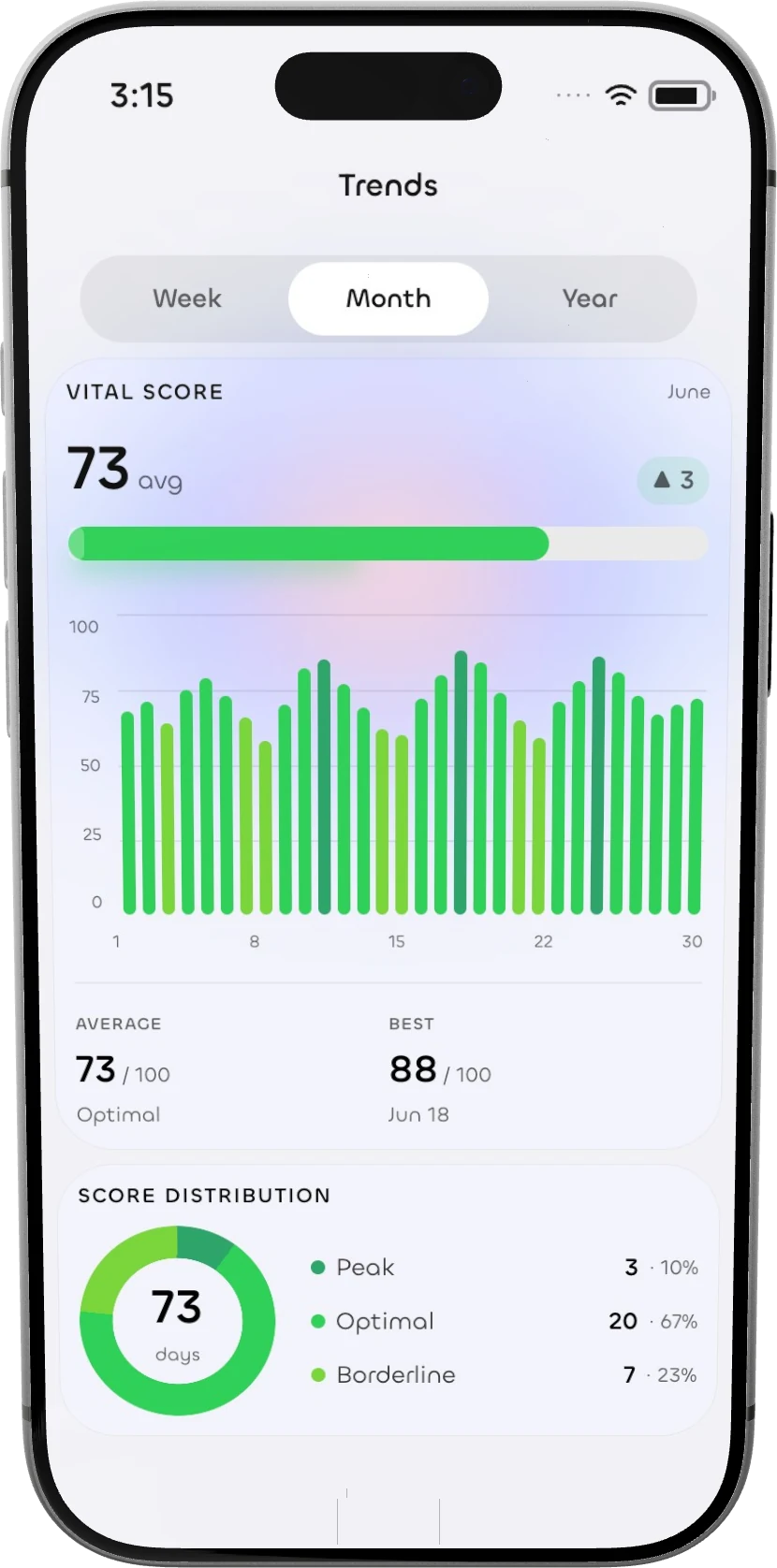
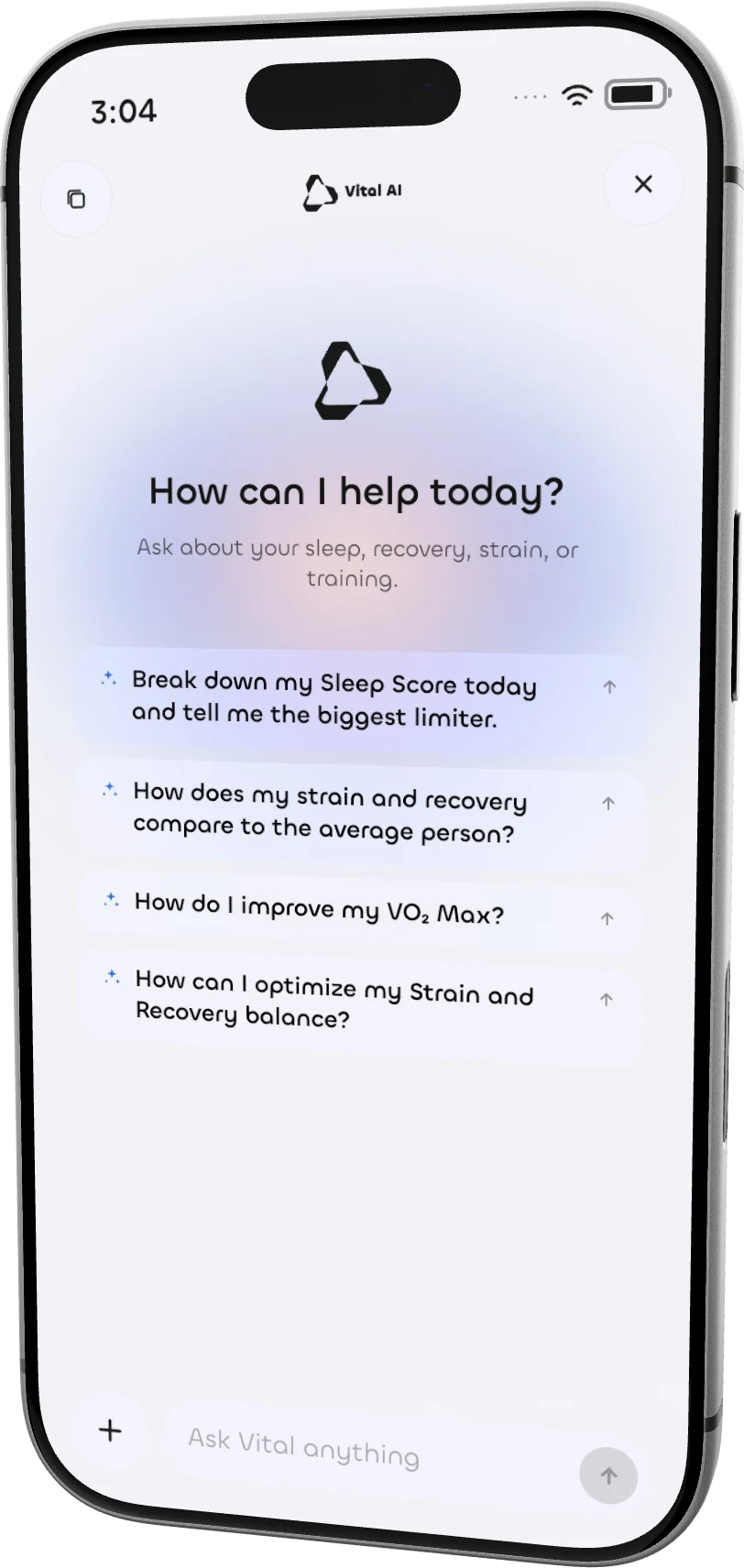
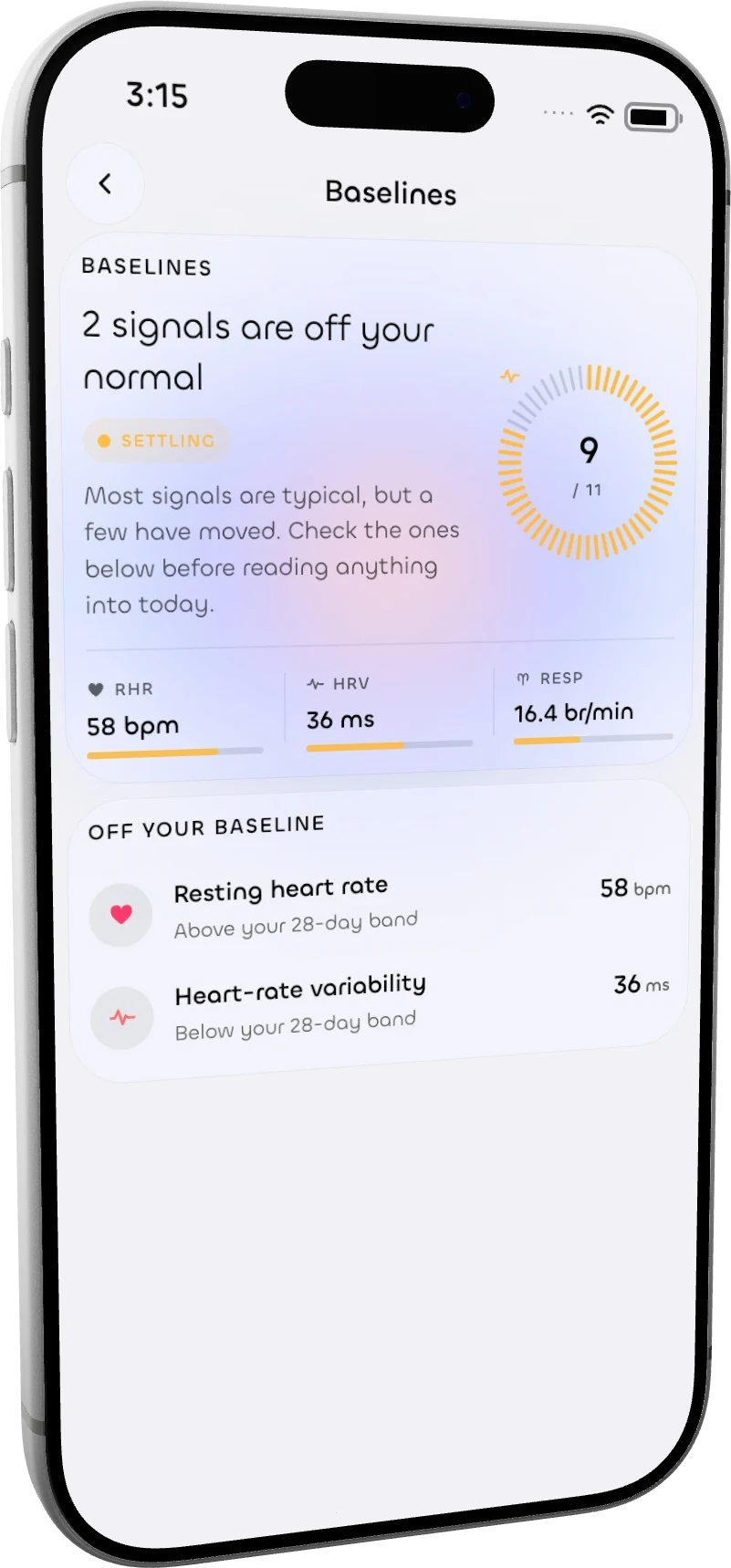
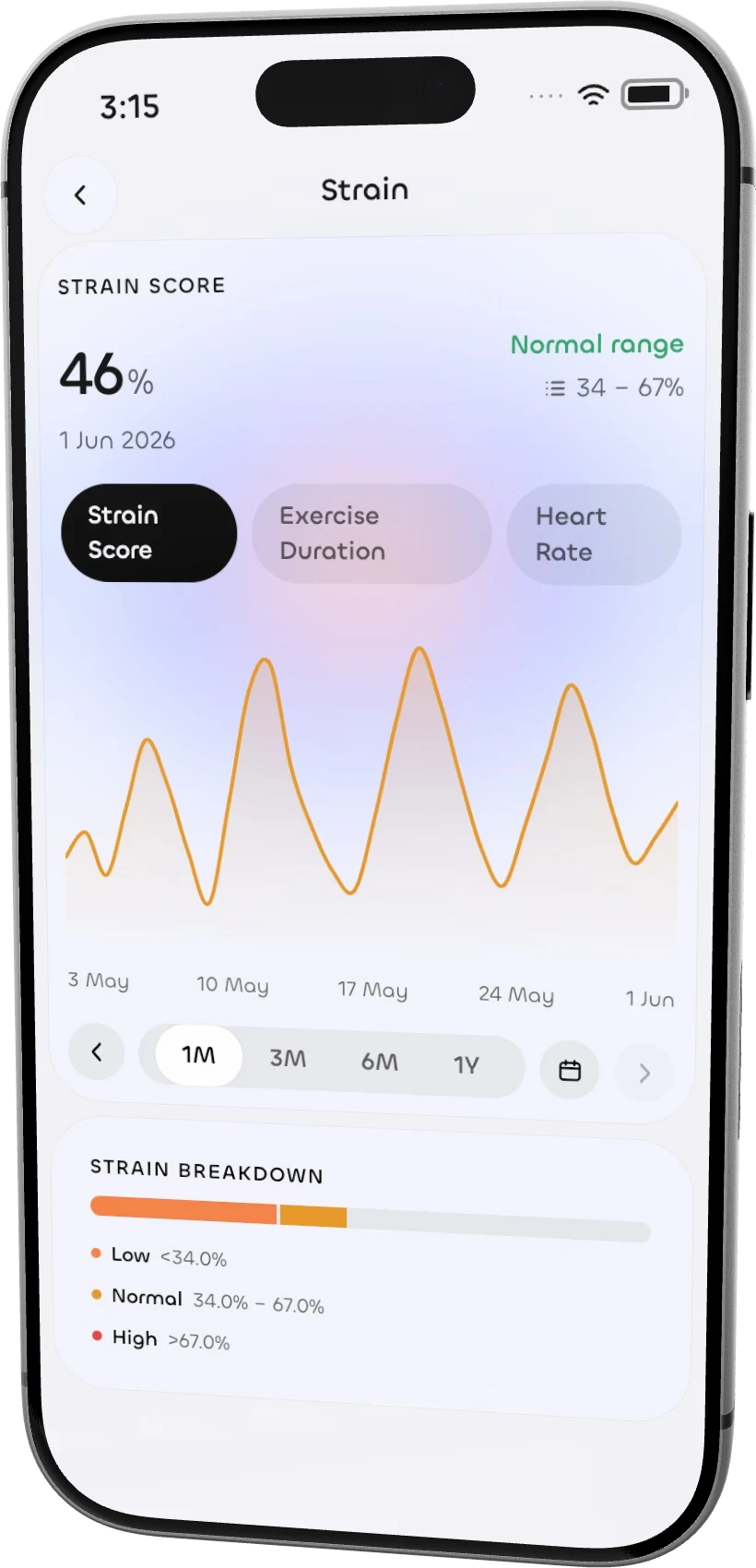
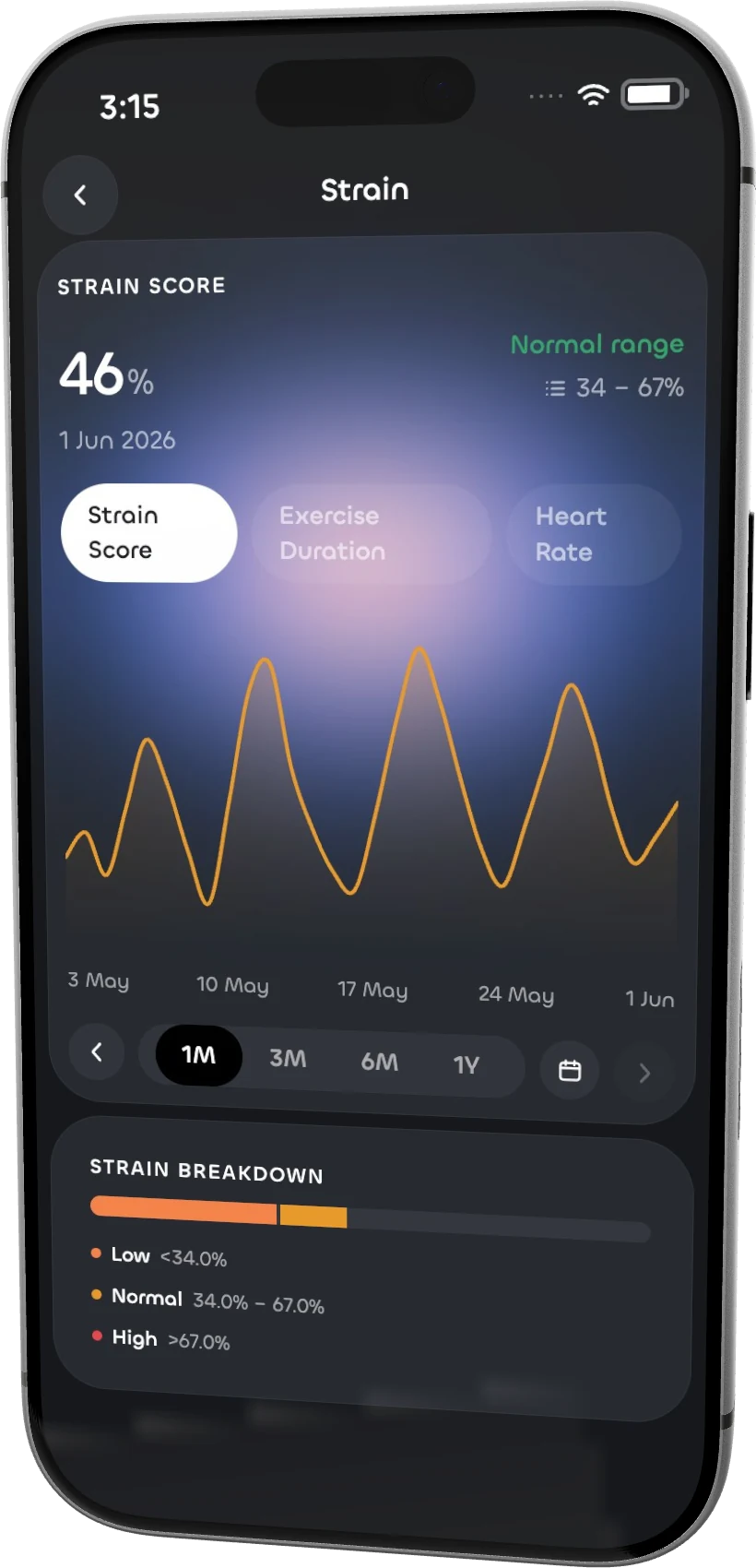
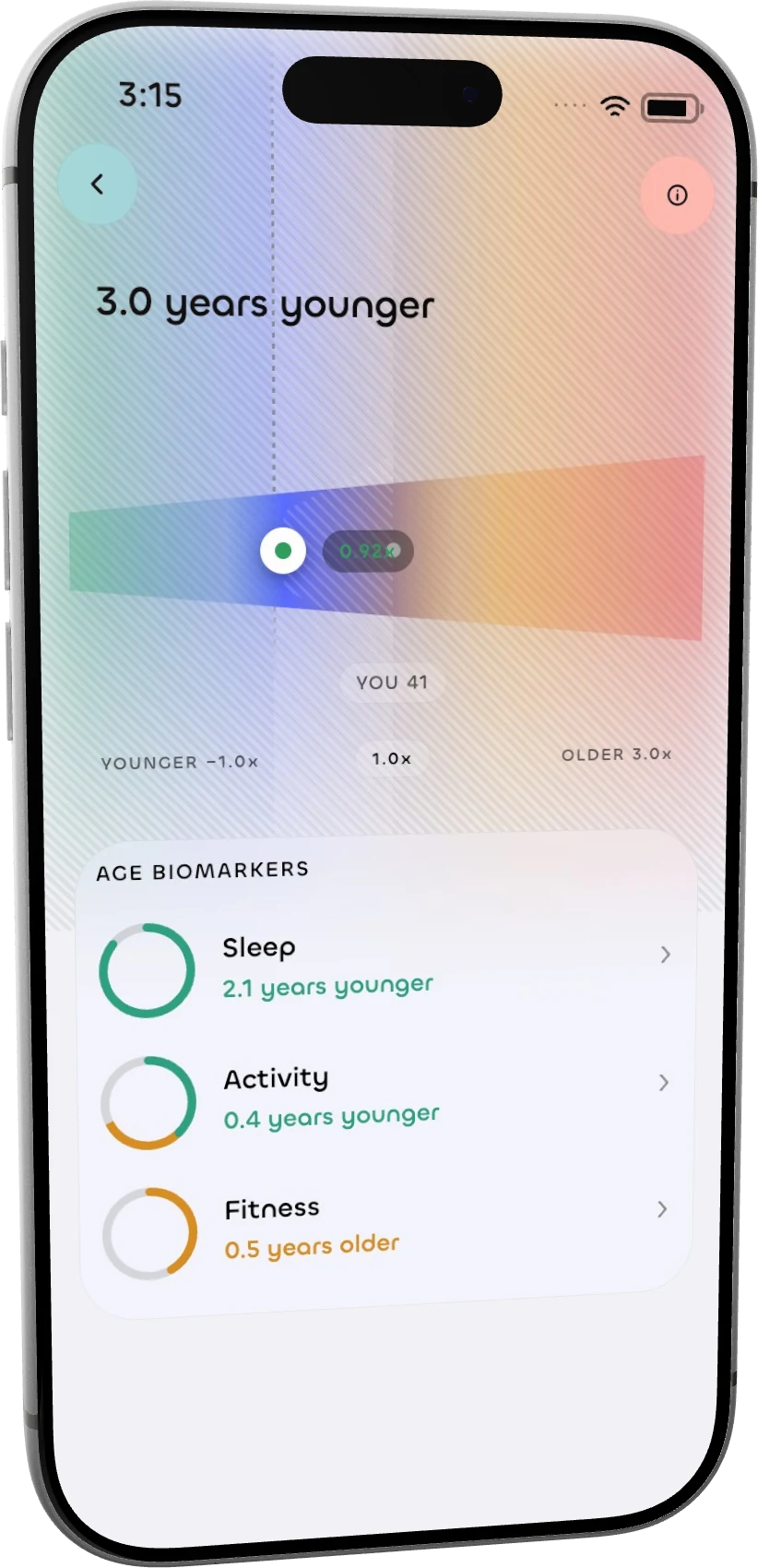
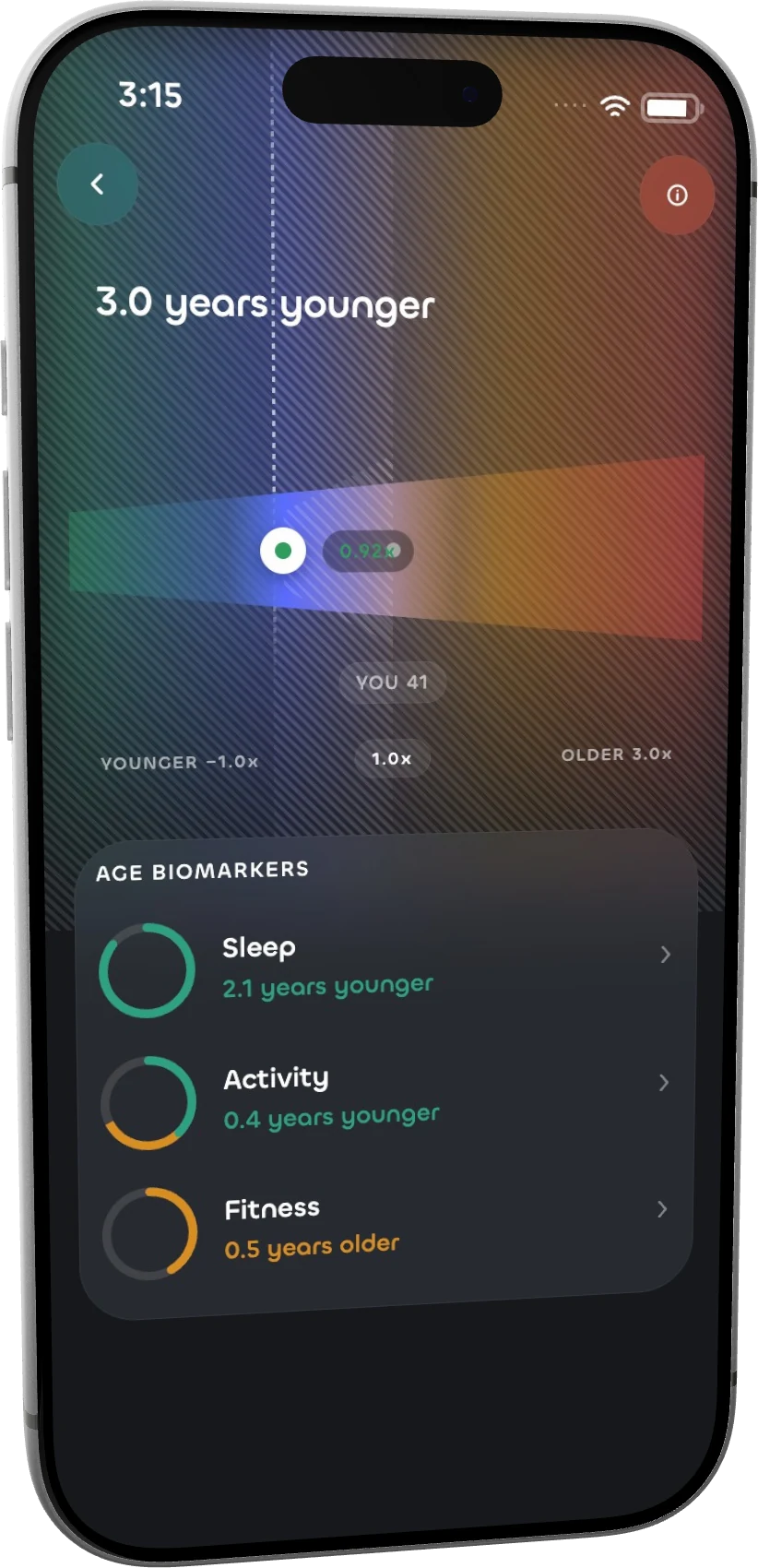
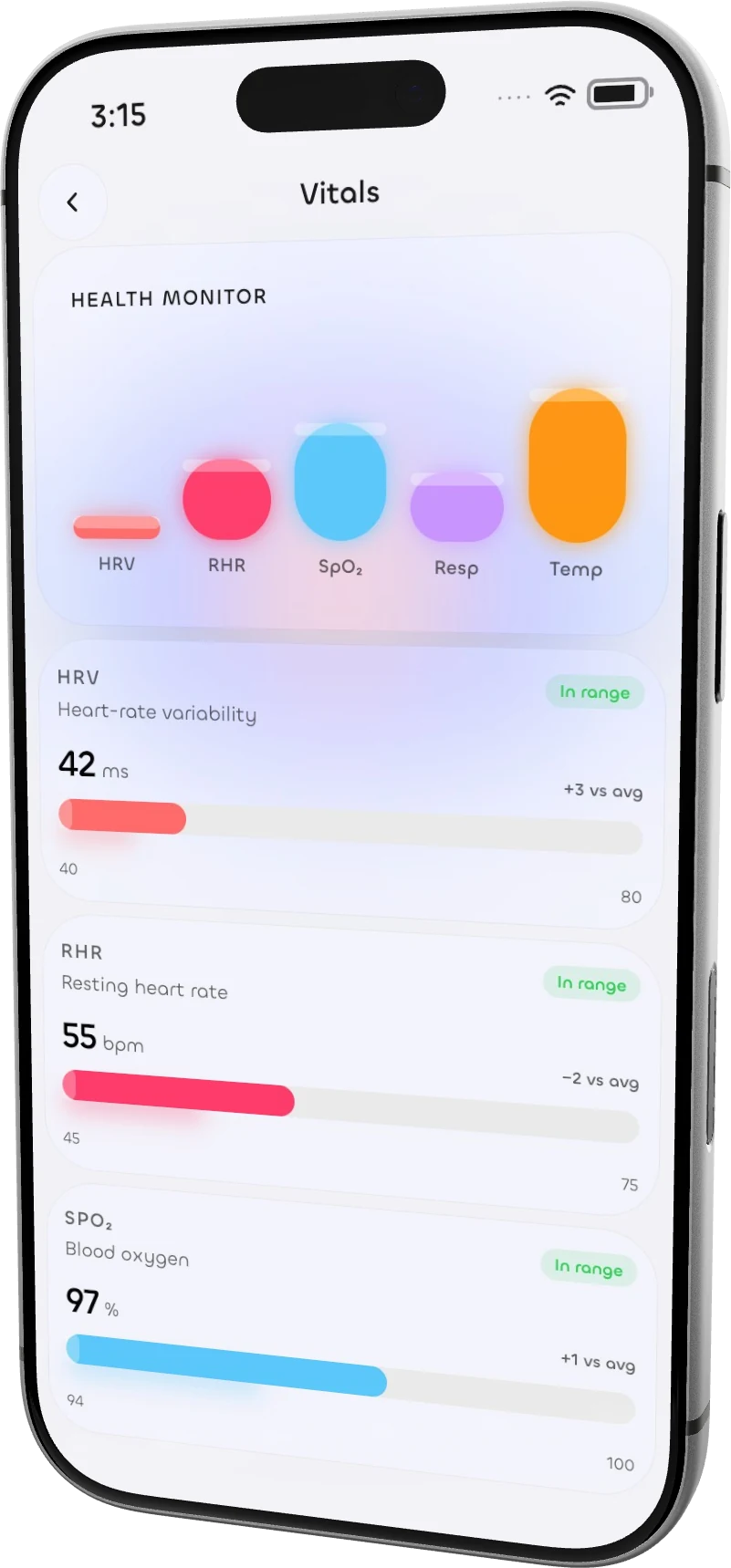
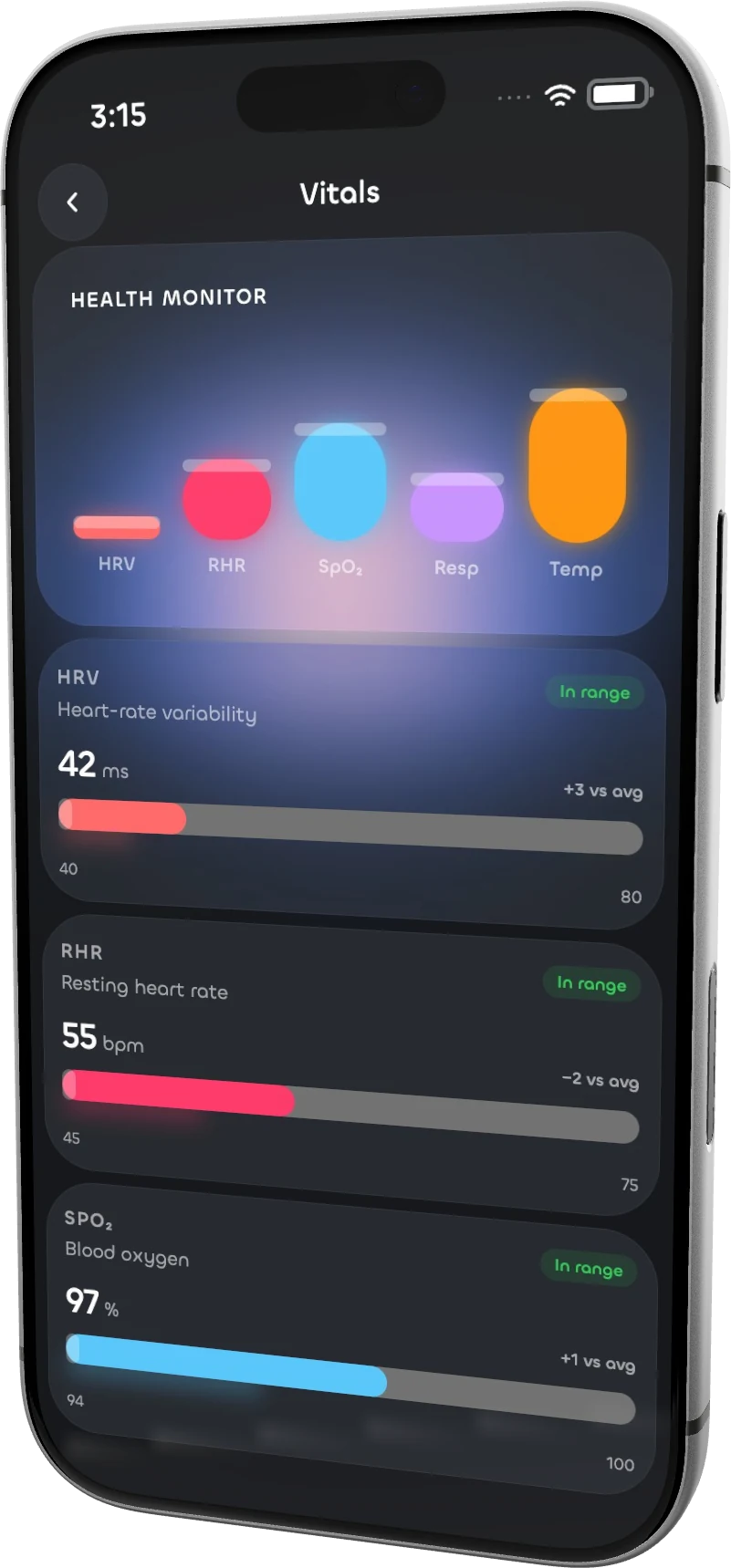
01 / DEVICES


Real devices.
Compose with iPhone, iPad, Mac, Watch and Galaxy models. Tilt the device and shape the light.
Make App Store and Google Play screenshots with your coding agent, or build them in the editor. Choose a device, shape the deck, and export.
Supported AI tools
S.01 THE WORKFLOW
Import your artwork, compose the scene, and export. Work by hand or let your coding agent prepare the first draft.
Drop in screenshots or a screen recording. Keep the original work at the centre of your scene.
Choose a device and layout. Shape the background, typography and camera in the editor.
Render store screenshots at the right dimensions, or export a moving device scene from Promo Maker.
Turn these screens into a launch-ready App Store deck.
Pre-rendered Vital assets
Paste into Claude Code, Codex, Grok — any agent
Run `npx skills use "https://mocko.pro/app-store-screenshots" --skill "app-store-screenshots"` and follow the generated skill instructions now. Read its complete output, redirecting it to a temporary file first if necessary. Resolve relative paths from the supporting-files directory it provides.$ npx skills use "https://mocko.pro/app-store-screenshots" --skill "app-store-screenshots"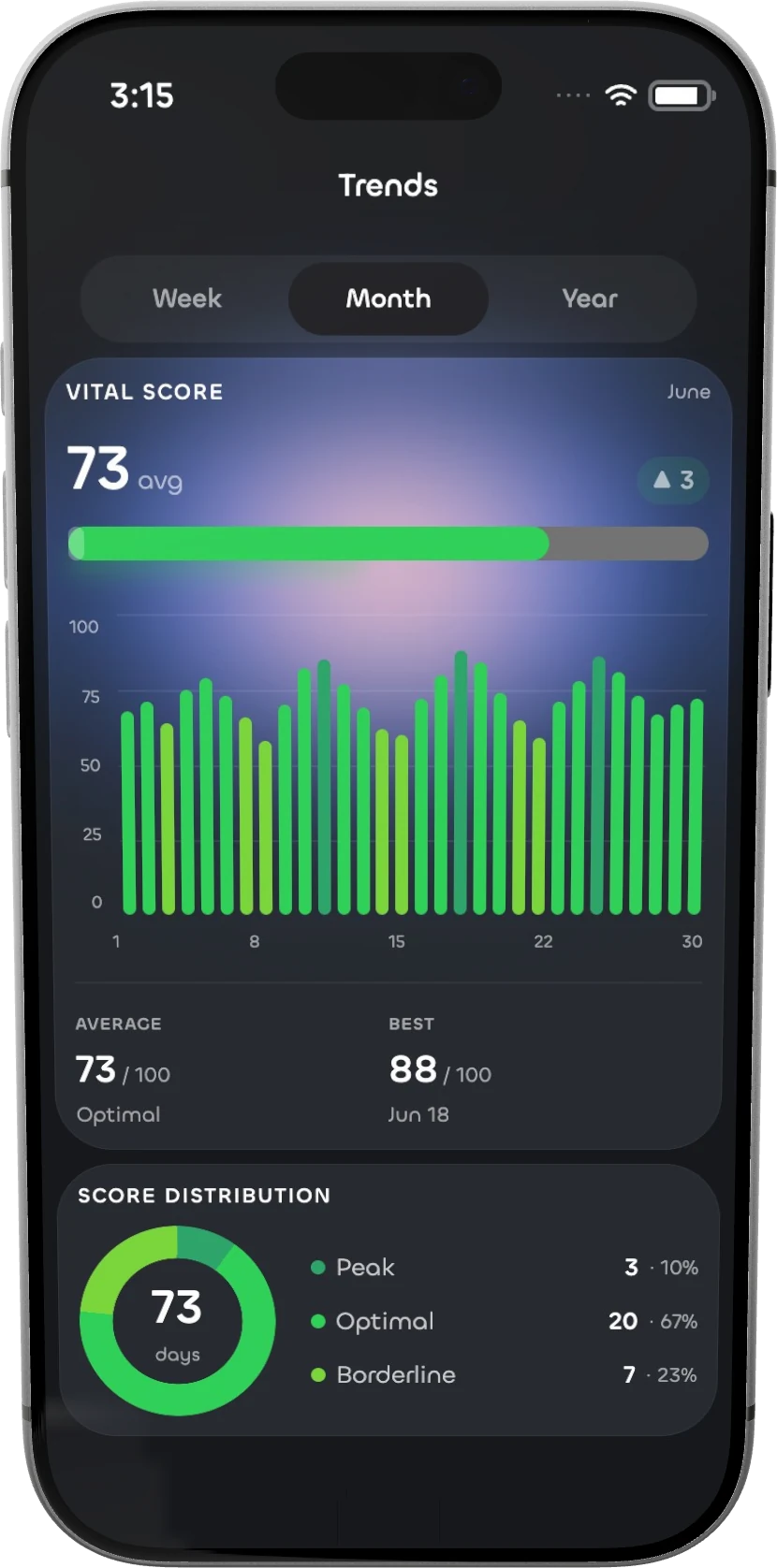
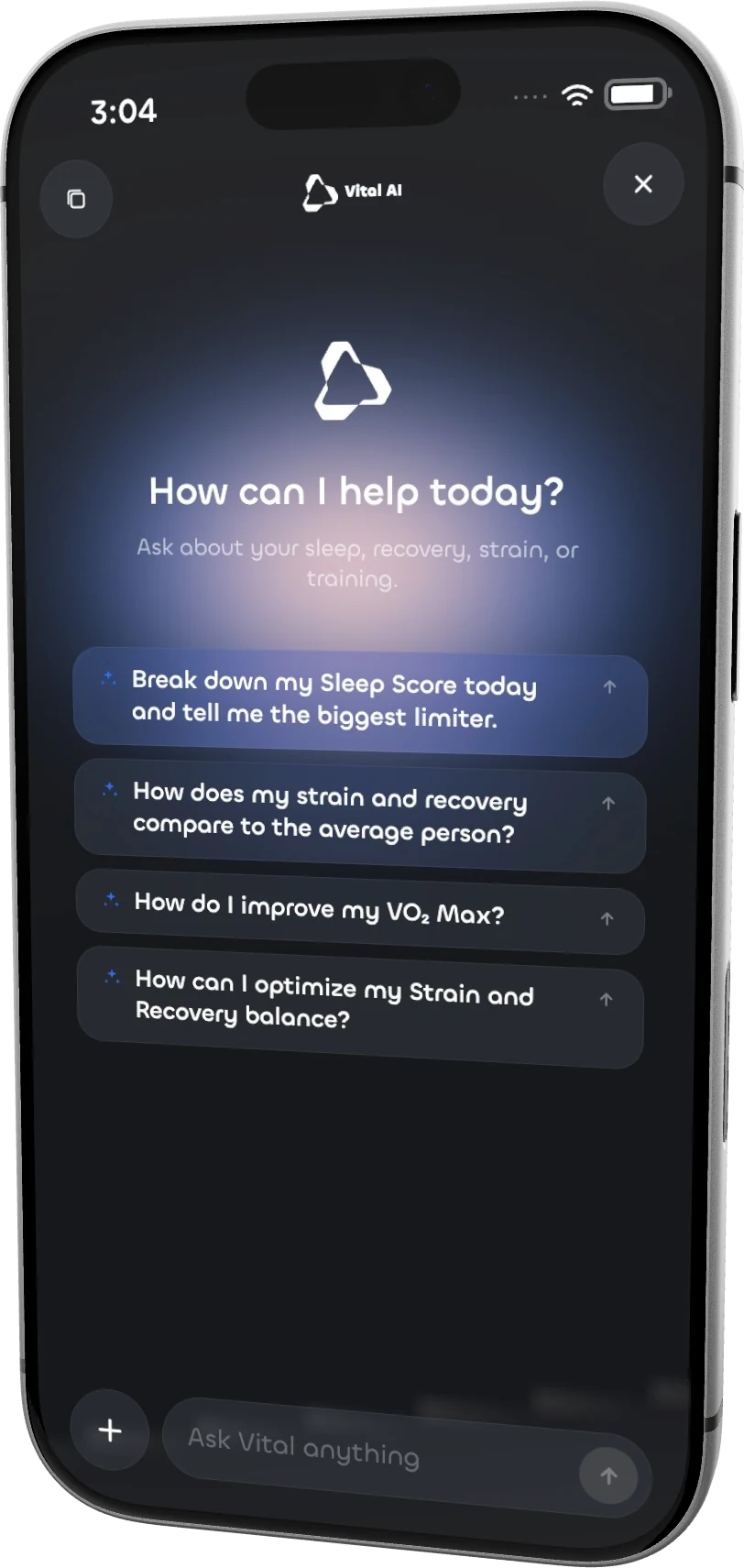
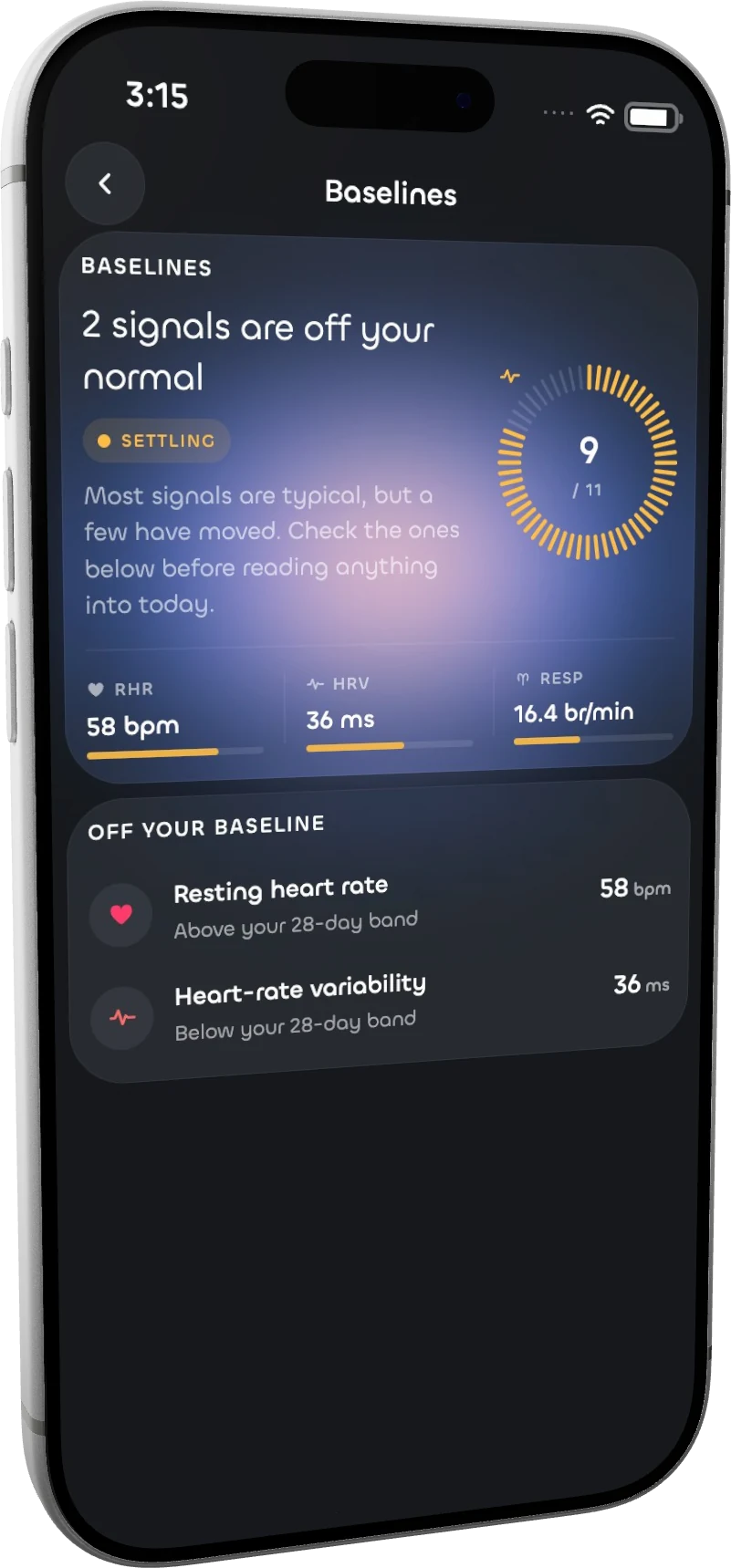
Give your AI tool the Mocko skill and describe the result. Compose screenshots and motion in the same editor.
S.02 NOTHING TO CROP
Every export comes out at exactly the dimensions Apple and Google accept — colour-managed, full resolution, named and ordered for upload. Correct on the first submission instead of the third, in every locale you rendered.
S.03 THE STUDIO
Real devices, store sizes, and a timeline when you want to move.
Turn a real 3D device, change the light, then make it yours in the editor.
Drag to find your angle. Rendered in your browser.
01 / DEVICES
Compose with iPhone, iPad, Mac, Watch and Galaxy models. Tilt the device and shape the light.
02 / STORE EXPORTS
App Store · Google Play
Export at the listing sizes for App Store and Google Play. Pro adds whole-deck ZIP export.
03 / MOTIONPro

Shape the scene, keyframe a camera move, and export a promo video with Pro.
04 / CAPTIONS & LOCALES
Caption examples
Your agent can prepare demo content, write captions and localize the deck. Review every result in the editor.
Export from Mocko. Publish where your work lives.
Bring polished PNG mockups and MP4 promos into your Framer pages.
Publish exported mockups and promo videos as media in your Webflow site.
Share PNG shots and MP4 motion studies from your latest design.
Post exported screenshots and promo videos to show your product in motion.
Use PNG images and MP4 videos in the websites you build.
Build your case studies with exported PNG mockups and MP4 promos.
S.05 YOUR NEXT RELEASE
5 screenshots a month to get started. Pro opens the full studio.
Choose your billing interval
01 / GET STARTED
$0 per month
No card needed.
No payment details required
02 / THE FULL STUDIO
$8 per month
Everything unlocked, cancel any time.
Apple Pay Google Pay Card
S.06 YOURS
Artboards are composed and exported in your own browser. Your screens are not uploaded to be drawn.
Exports are written where you asked for them, named and ordered for upload.
There is no analytics script on this site and no third party receives your work.
Close your account from the account page and the projects go with it.
S.07 BEFORE YOU START
No. Open the editor and build your deck by hand. An agent can prepare the content and export workflow for you.
Five screenshots a month with iPhone 17 or flat artwork, iPhone listing sizes, one locale and a watermark. No card is needed. Pro adds every device and locale, saved projects, bulk export and 10 minutes of video a month.
Mocko includes App Store and Google Play listing sizes. Free includes iPhone listing sizes; Pro includes every store target.
Artboards are composed and exported in your browser. Your agent writes downloaded files to the destination you choose.